


 Send Inquiry
 Send SMS

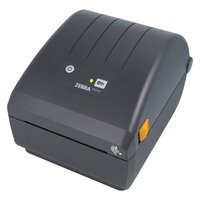
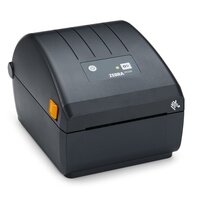
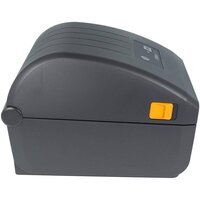
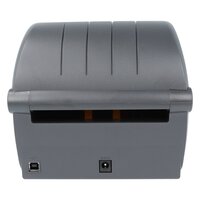
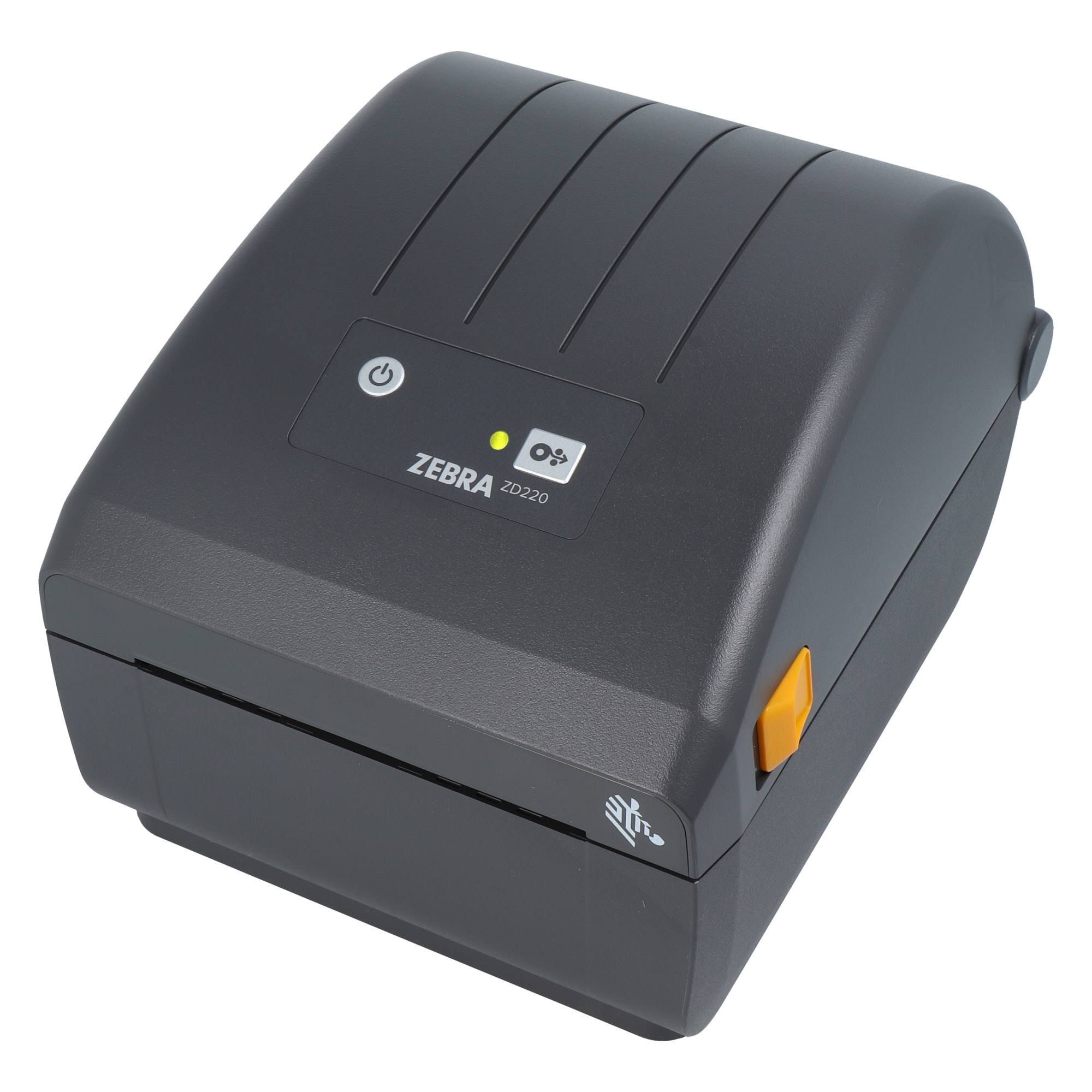
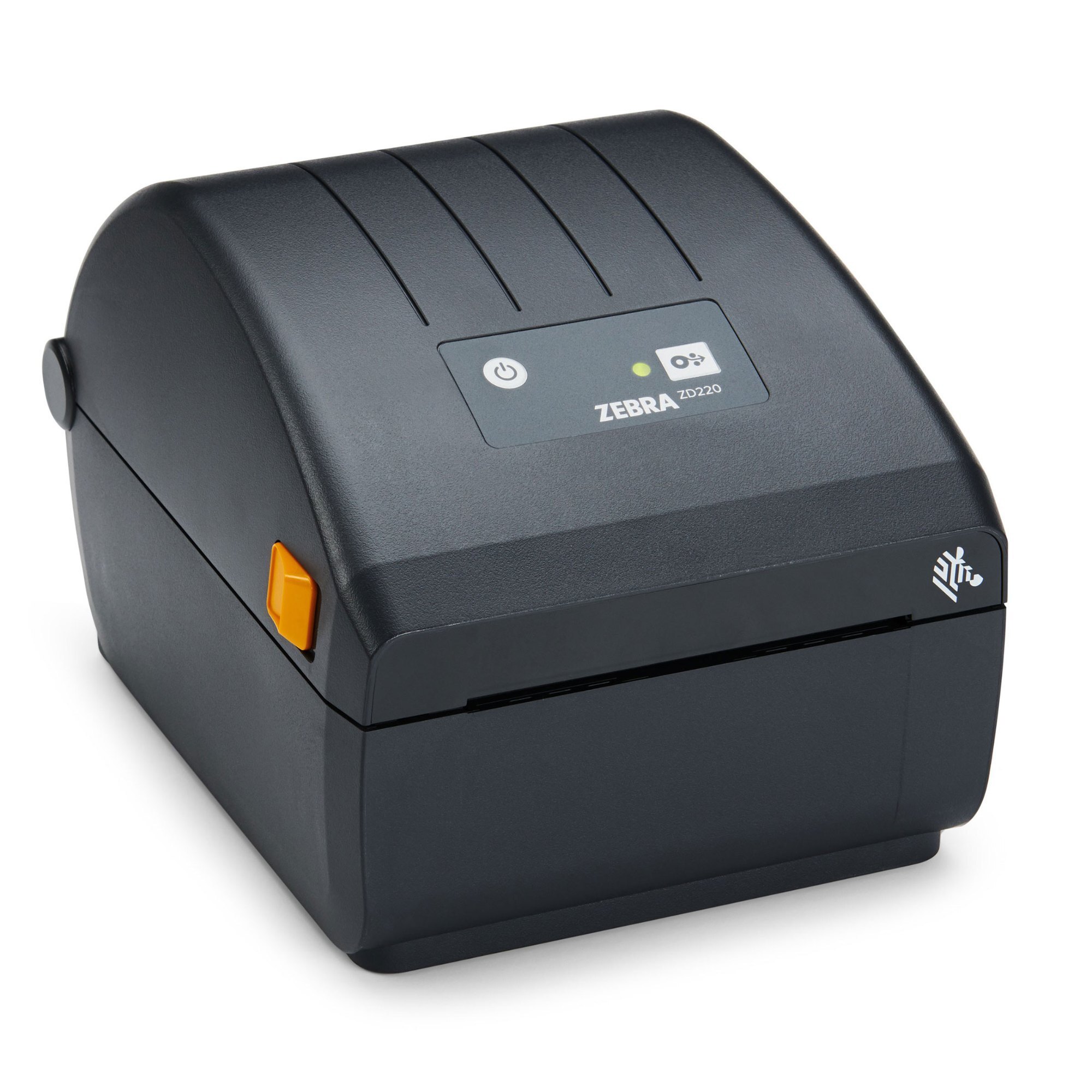
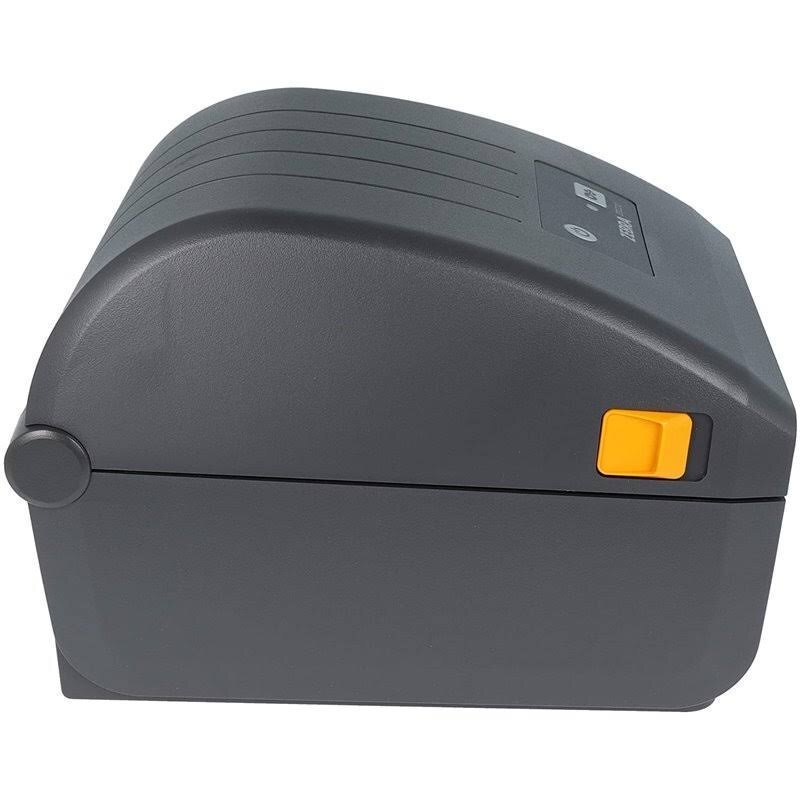
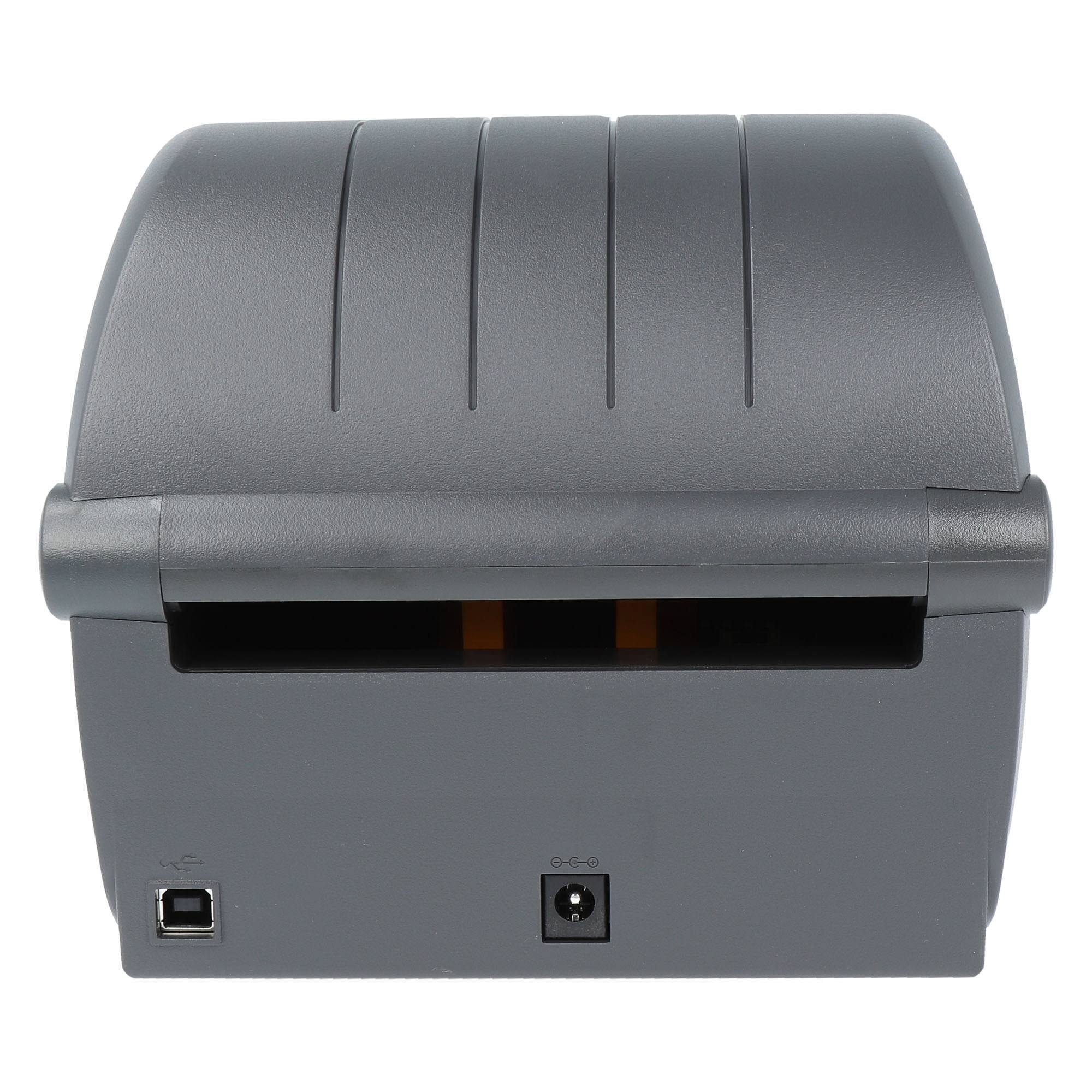
Zebra Zd220 Barcode Label Printer
9000 INR/Piece
Product Details:
- Print Speed 152 mm/sec (6 ips)
- Working Temperature 5C - 40C
- Capacity Roll diameter up to 127 mm, core diameter 25.4 mm
- Usage & Applications Retail, Healthcare, Warehouse, Logistics
- Features Single LED status indicator, dual button user interface, energy star certified
- Processor Type 32-bit RISC CPU
- Humidity % 10-90% non-condensing
- Click to View more
X
Zebra Zd220 Barcode Label Printer Price And Quantity
- 9000 INR/Piece
- 1 Piece
Zebra Zd220 Barcode Label Printer Product Specifications
- USB 2.0
- 1.1 kg
- Direct Thermal/Thermal Transfer
- Direct Thermal & Thermal Transfer Printing
- 203 DPI
- No Information
- <60 dB(A)
- External power supply 100-240V AC, 50-60Hz
- Industrial
- 400 MHz
- ABS Plastic
- New
- Roll diameter up to 127 mm, core diameter 25.4 mm
- 5C - 40C
- 100-240 V AC
- Plastic
- 152 mm/sec (6 ips)
- 152 mm/sec (6 ips)
- Retail, Healthcare, Warehouse, Logistics
- Automatic
- 104 mm (4.09) width
- 32-bit RISC CPU
- Single LED status indicator, dual button user interface, energy star certified
- 220 mm x 176 mm x 151 mm
- 10-90% non-condensing
- 990 mm maximum
- Single LED, Dual Button
- 256 MB Flash, 128 MB SDRAM
- 12.7 mm
- EPL, ZPL II
- Continuous, Die-cut, Black Mark, Notch
- 74 m maximum
- Standalone
- 104 mm maximum
- 0.08 mm to 0.18 mm
- Movable black mark, gap
- Gray
Zebra Zd220 Barcode Label Printer Trade Information
- 1000 Piece Per Month
- 7 Days
- All India
Product Description
Product Type - Zebra Zd220 Barcode Label Printer
Colour - Black
Feature - High Quality & Durability
| CPU Type | 64-bit RISC CPU |
| Connectivity | USB 2.0 |
| Max. Print Width | 4 Inches |
| Maximum Print Speed | 6 inch/second |
| Resolution | 203 DPI (8 dots/mm) |
| Printing Resolution | 203 DPI |
| Printing Method | Direct Thermal & Thermal Transfer |

Versatile Media Handling
The Zebra ZD220 Barcode Label Printer supports a range of media types and sensor positions, letting you print on continuous, die-cut, black mark, and notch labels. The movable black mark and gap sensors ensure precise detection and alignment, reducing label waste and optimizing efficiency for complex barcoding tasks.
Fast and Efficient Printing
Delivering print speeds of up to 152 mm/sec (6 inches per second), the ZD220 is engineered for productivity. Combined with its 104 mm maximum print width and 203 DPI resolution, the printer produces sharply defined barcodes and text, making it an excellent choice for high-volume environments such as warehouses, healthcare facilities, and retail outlets.
User-Friendly Operation
Featuring a straightforward control panel with a single LED status indicator and dual buttons, the Zebra ZD220 simplifies daily usage. Operation is intuitive, minimizing training requirements for new users. Its external power supply and automatic functions further streamline setup and continuous operation.
FAQ's of Zebra Zd220 Barcode Label Printer:
Q: How do I install media and ribbon in the Zebra ZD220 Barcode Label Printer?
A: To install media, open the printer cover, place the label roll (up to 127 mm diameter, 25.4 mm core), and adjust the movable sensors for your media type. For thermal transfer printing, insert the ribbon roll with a maximum length of 74 meters and a 12.7 mm core. Close the cover and the printer automatically detects and calibrates the media and ribbon.Q: What types of media can be used with the ZD220 printer?
A: The Zebra ZD220 supports a variety of media types, including continuous, die-cut, black mark, and notch labels, with thickness ranging from 0.08 mm to 0.18 mm. This versatility makes it suitable for multiple labeling applications across different industries.Q: When is it beneficial to use thermal transfer versus direct thermal printing with this printer?
A: Thermal transfer printing is preferred when you need durable, long-lasting labels, especially for harsh environments like warehouses or logistics. Direct thermal printing, which does not use a ribbon, is ideal for short-term applications such as retail price tags or shipping labels.Q: Where can the ZD220 barcode printer be effectively utilized?
A: This printer is designed for versatile industrial use and is commonly found in retail stores, healthcare facilities, warehouses, and logistics operations. Its robust construction and compact size make it adaptable to various workspaces.Q: What is the process for replacing or cleaning the printhead?
A: To replace or clean the printhead, power off the printer and open the cover. Carefully remove the ribbon and label media, then gently wipe the printhead with a lint-free cloth and approved solvent if cleaning. If replacing, disconnect the old printhead and connect the new one securely, following the user manual instructions.Q: How does the energy star certification benefit my operation?
A: Energy Star certification ensures the ZD220 operates with optimal energy efficiency, helping reduce electricity costs and the device's environmental impact, which is particularly advantageous for businesses with continuous labeling needs.Q: What are the key advantages of the single LED status indicator and dual button interface?
A: The single LED and dual button interface allow users to quickly check status, troubleshoot errors, and perform tasks with minimal training, streamlining workflow and reducing downtime in busy environments.Tell us about your requirement

Price:
Quantity
Select Unit
- 50
- 100
- 200
- 250
- 500
- 1000+
Additional detail
Mobile number
Email

Other Products in 'Barcode Label Printer' category

Contact Details

CAVALIER ENTERPRISES
GST : 27BLFPR3550P1ZH
GST : 27BLFPR3550P1ZH
- Plot No 6A/12, Sneh Satguru Waman Rao Pai Marg, Abhinav Nagar, Borivali East,Mumbai - 400066, Maharashtra, India
- Phone :08045815732
- Send Inquiry
 Send Inquiry
- Mr Vaibhav Rane (CEO)
- Mobile :08045815732

Cavalier Enterprises
All Rights Reserved.(Terms of Use)
Developed and Managed by Infocom Network Private Limited.
Developed and Managed by Infocom Network Private Limited.

